
TL;DR
Buying a prebuilt AI workstation is often faster and more cost-effective today, especially with component shortages driving up DIY costs. Building offers full control but demands time, expertise, and ongoing maintenance. Your choice depends on your priorities—speed, customization, or budget.
Imagine sitting down to assemble your dream AI workstation, only to find the parts cost more than buying a ready-made system. The landscape has shifted, especially with the rise of prebuilt AI workstations. In 2026, the traditional wisdom of ‘build for less’ no longer holds true, thanks to supply chain issues, component shortages, and bulk buying by vendors.
Whether you’re a hobbyist, startup founder, or enterprise AI team, your decision to build or buy now involves more than just hardware. It’s a tradeoff between cost, speed, control, and support. This guide will walk you through what matters most, with real-world examples and clear comparisons, so you can choose wisely.
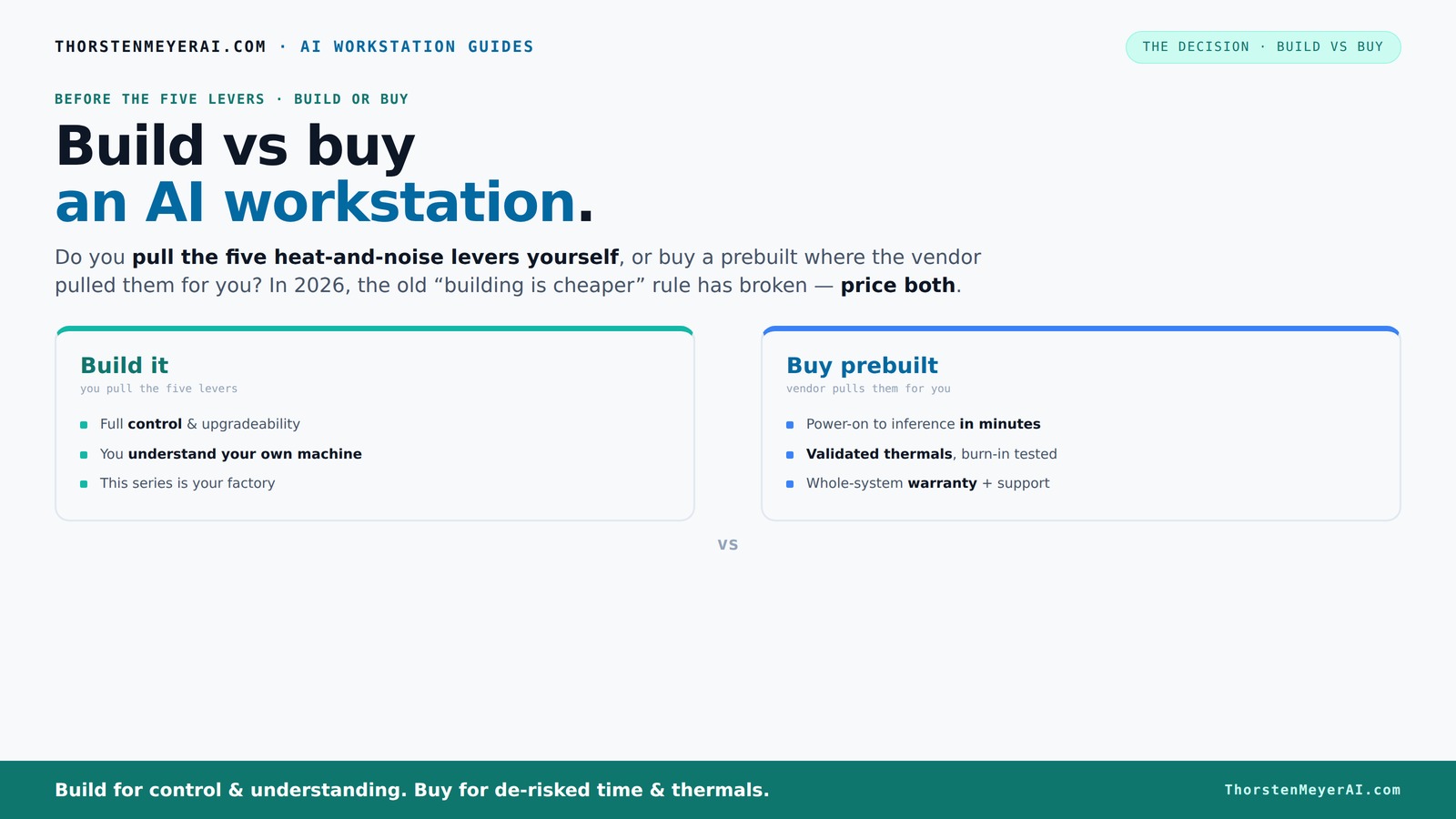
Build vs buy
an AI workstation.
The real question behind this whole series: do you pull the five heat-and-noise levers yourself, or buy a prebuilt where the vendor pulled them for you? And in 2026, the old “building is cheaper” rule has broken. Match your situation in Part 3.
Key Takeaways
- In 2026, component shortages and bulk-buying have made prebuilt AI workstations often cheaper or comparable in cost to DIY builds.
- Buying a prebuilt saves time, reduces risk, and includes validated thermals and warranties—crucial for critical AI projects.
- Building offers full control over hardware, cooling, and upgrades, ideal for proprietary or highly customized workloads.
- Performance gaps between prebuilt and custom are minimal at high-end, but upgradeability favors DIY for long-term flexibility.
- Hybrid approaches blend convenience and control, making them a smart choice for evolving AI needs.
As an affiliate, we earn on qualifying purchases.
Why Building Your Own AI Workstation Is No Longer Automatically Cheaper
Building your own AI rig used to be the quick path to savings. But in 2026, the story has flipped. Component shortages and price spikes for GPUs, DDR5 RAM, and SSDs have pushed DIY costs higher than expected. For example, a build that used to cost around $1,000 now often exceeds $1,250, just for parts.
Meanwhile, prebuilt vendors like Lambda and Puget Systems have locked in bulk discounts, allowing them to offer systems at prices that are tough for DIYers to match—sometimes even cheaper. This shift means that the traditional assumption that building is always the most economical choice is no longer valid. The implications are significant: it forces a reevaluation of what “cost-effective” truly means, factoring in not just initial expenses but also time, effort, and potential hidden costs of troubleshooting or upgrades. The tradeoff becomes clear—are you willing to spend extra time and technical effort to save money, or does the convenience and support of a prebuilt system justify the higher upfront cost? This evolving landscape underscores the importance of comprehensive cost analysis beyond just parts prices.
As an affiliate, we earn on qualifying purchases.
The 5 Levers of a High-Power AI Workstation and Who Pulls Them
Building or buying is really about who pulls the five levers of heat and noise management: undervolting the GPU, matching the cooler, optimizing airflow, tuning fans, and positioning the system.
When you buy prebuilt, the vendor handles these. They validate thermals, run burn-in tests, and often incorporate water-cooling for quieter, cooler operation. It’s akin to purchasing a vehicle that’s already been tuned for optimal performance and comfort—saving you the trial-and-error process and ensuring reliability from the start. This approach reduces the risk of thermal throttling, hardware failure, or excessive noise, all of which can significantly impact your productivity and hardware lifespan. On the other hand, if you build, you gain full control over these levers, allowing you to customize cooling solutions and noise levels to your specific environment and preferences. However, this requires a deep understanding of thermal dynamics and ongoing adjustments to maintain optimal performance. The choice here influences not just the initial setup but also long-term operational stability and noise management—factors that are crucial in high-performance AI workloads where thermal and acoustic performance directly impact efficiency and hardware longevity.
As an affiliate, we earn on qualifying purchases.
When Buying a Prebuilt Makes Sense — Fast, Reliable, and Stress-Free
If you want to get up and running fast, prebuilt systems is the way. You power it on, install your AI stack, and start training or inference in minutes. No sourcing parts, no BIOS tweaks, no driver troubleshooting. For many professionals, your time is worth more than the extra cost. The immediate availability means fewer delays, less downtime, and a quicker path to productivity, which is critical in competitive or time-sensitive projects. Moreover, prebuilt vendors validate thermals and stability through rigorous testing, reducing the likelihood of hardware failures during intensive workloads. This validation, combined with warranties and support, offers peace of mind—especially when dealing with high-stakes AI models where downtime can be costly. For large-scale or enterprise deployments, the reliability and support infrastructure that comes with prebuilt systems can be the difference between project success and costly delays. The tradeoff is clear: if your priority is rapid deployment and minimal hassle, prebuilt systems are the most practical choice, delivering consistent performance and support in a complex AI environment.
As an affiliate, we earn on qualifying purchases.
Frequently Asked Questions
Is it cheaper to build or buy a prebuilt AI workstation?
In 2026, component shortages have driven up DIY costs, making prebuilt systems often just as affordable or even cheaper, especially when factoring in time and support costs. Always compare prices for your specific configuration.How much faster is buying than building?
Prebuilt AI workstations can be deployed in 3–9 months, while custom builds might take 12–24 months or longer, depending on sourcing, assembly, and testing. The difference is significant when time-to-deployment is critical for your project timeline.What hidden costs come with building a custom AI workstation?
Beyond the initial hardware, costs include ongoing maintenance, troubleshooting, system upgrades, and potential downtime. These can accumulate unexpectedly, especially if you lack in-house expertise. Support and warranty services from vendors can help mitigate these hidden expenses, providing a safety net for complex AI workloads.When does customization justify building instead of buying?
When your workload involves proprietary algorithms, sensitive data, or requires hardware configurations that off-the-shelf systems can't provide. Additionally, if you value learning about hardware tuning and want full control over every component, building offers unmatched flexibility—though it demands time and technical skill to justify the investment.Can I upgrade a prebuilt AI workstation later?
Some prebuilt systems support upgrades, but many are designed with fixed configurations to optimize cost and reliability. Upgradability depends on the specific model and vendor policies—it's essential to verify whether key components like GPUs, RAM, or storage can be replaced or expanded without voiding warranties or compromising system stability. Choosing a system with upgrade paths can be a strategic decision for future-proofing your investment.Conclusion
The choice between build and buy isn’t just about hardware — it’s about your priorities for speed, control, and support. In 2026, most teams find the speed and reliability of prebuilt systems hard to beat, especially during supply shortages.
But if you crave deep customization or want to learn every circuit, building remains a rewarding challenge. Whichever route you choose, focus on what matters most for your AI journey — because the right system can transform your work from slow to lightning-fast.