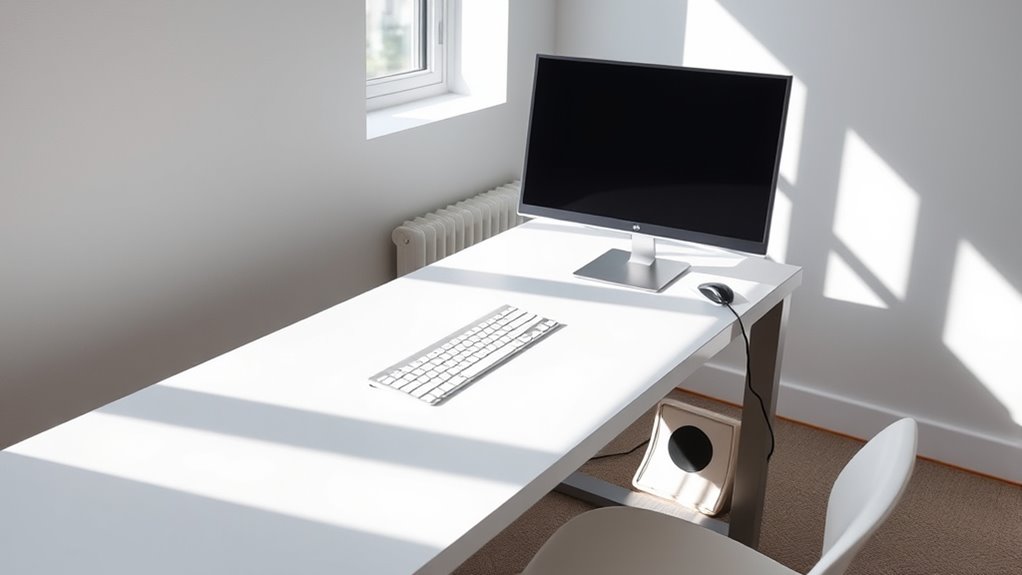

To create a minimalist workstation, focus on managing cables by using clips, sleeves, or under-desk trays to hide excess cords and opt for wireless devices where possible. Elevate monitors with stands to save space and incorporate simple accessories like small plants or pen holders to add visual interest without clutter. Regularly declutter and organize to maintain a clean, calming environment. If you keep these tips in mind, you’ll discover more ways to optimize your workspace effectively.
Key Takeaways
- Use cable clips, sleeves, or under-desk trays to hide and organize cords, reducing visual clutter.
- Opt for wireless devices like Bluetooth keyboards and mice to minimize cable presence.
- Elevate monitors with stands or mounts to free desk space and create a clean visual environment.
- Label cables for easier troubleshooting and quick adjustments, maintaining a tidy workspace.
- Regularly declutter and remove non-essential items to sustain a minimal, organized work area.
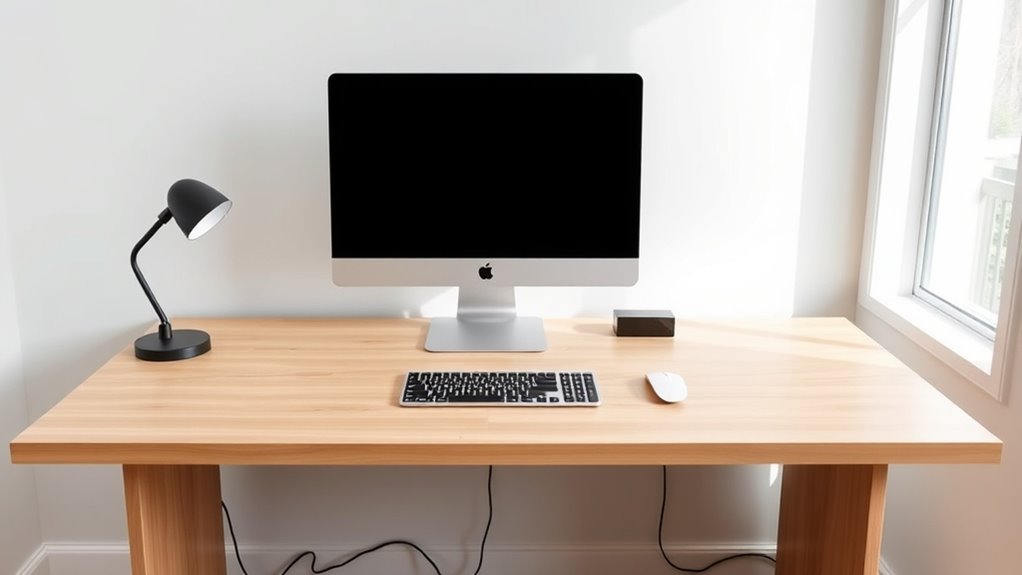
A minimalist workstation can dramatically boost your productivity and focus by reducing clutter and distractions. When your space is streamlined, your mind can concentrate on the task at hand instead of being overwhelmed by unnecessary items. To achieve this, incorporating ergonomic accessories is vital, as they promote comfort and efficiency. Think of a simple, adjustable chair that supports good posture and a keyboard tray that keeps your wrists aligned. These accessories not only improve your health but also help maintain a clean, organized workspace by minimizing the need for cluttered setups. Additionally, ambient lighting plays a fundamental role in creating a calming environment that reduces eye strain and enhances focus. Instead of harsh overhead lights, opt for soft, warm lighting options like desk lamps or LED strips that can be adjusted to suit your preference. This subtle lighting not only makes your workspace more inviting but also reduces visual noise, helping you stay concentrated on your work.
Managing cables effectively is a key aspect of maintaining a minimalist workstation. Tangled cords and visible wires create a chaotic look that distracts and frustrates. To keep things tidy, use cable management solutions such as clips, sleeves, or under-desk trays that hide excess cords and keep everything out of sight. Labeling cables can also save you time when troubleshooting or rearranging your setup. When you connect devices, aim for wireless options where possible, such as Bluetooth keyboards, mice, or speakers. These eliminate the clutter of cords altogether, giving your desk a sleek, open appearance. Keep only the essentials within reach and store or hide the rest to prevent visual clutter.
Visual management extends beyond cables. Keep your monitor free of clutter by using a monitor stand or mount that elevates the screen, freeing up space on your desk. Use minimalistic accessories like a simple pen holder or a small plant to add a touch of personality without overwhelming the space. Regularly declutter your workspace, removing anything that doesn’t serve a purpose. This habit guarantees your workspace remains clean and functional, fostering a productive mindset. Remember, the goal is to create a space that promotes clarity and efficiency. With the right ergonomic accessories, ambient lighting, and cable management, your minimalist workstation becomes a sanctuary for focus, enabling you to work smarter and more comfortably.
Furthermore, incorporating visual management techniques can significantly improve overall organization and efficiency.
Frequently Asked Questions
What Are the Best Cable Management Tools for Minimalist Workstations?
You should use a wire organizer and cable sleeves to keep your minimalist workstation tidy. Wire organizers help route and secure cables, preventing clutter. Cable sleeves bundle multiple cords together, giving a clean, streamlined look. Both tools are easy to install and maintain, making your workspace look sleek and organized. They’re perfect for reducing visual chaos while ensuring your cables stay protected and accessible when needed.
How Can I Hide Cables Without Expensive Accessories?
Think of your cables as unruly vines needing order. You can hide them with simple DIY solutions like zip ties, adhesive clips, or wrapping them with cloth or twist ties. DIY hacks like routing cables behind your desk or using cardboard tubes keep things tidy without spending extra. These small steps create a clean, minimalist look, giving your workspace a sense of calm and clarity, like a well-tended garden.
What Are Common Visual Clutter Sources in Workstations?
You’ll notice visual clutter from decorative desk accessories and personalized workspace signs, which can make your area feel chaotic. To keep it tidy, limit accessories to essentials, and use sleek storage options like drawers or trays. Rotate or store away non-essential items. This approach helps maintain a clean, organized look, allowing your workspace to feel open and efficient without the distraction of excess decorative elements or signs.
How Do I Maintain a Minimalist Aesthetic Over Time?
Think of your workspace as a garden—you need regular weeding to maintain its beauty. Keep decorative accessories and personal items to a minimum, only what truly inspires or helps you focus. Regularly declutter, reassess your setup, and store or remove items that no longer serve a purpose. This ongoing attention guarantees your minimalist aesthetic stays fresh, functional, and free of visual chaos, helping you stay productive and calm.
Are Wireless Devices Effective for Reducing Desk Cables?
Wireless devices are highly effective for reducing desk cables, making your workspace cleaner and more organized. The benefits of wireless devices include fewer cords, easier setup, and a sleeker look. Ergonomic wireless solutions also enhance comfort by allowing better placement of your keyboard and mouse without the clutter of cables. Overall, adopting wireless technology helps maintain a minimalist aesthetic while improving your workspace’s functionality and visual appeal.
Conclusion
By embracing minimalist workstations, you eliminate excess, enhance efficiency, and empower your environment. Clear cables craft clean counters, while visual simplicity cultivates calm concentration. When clutter is curtailed and chaos is contained, your workspace becomes a sanctuary of serenity and focus. Mastering minimalism means more than just aesthetics — it’s about molding a mindful, manageable, and memorable workspace. So, streamline, simplify, and sculpt a space where productivity and peace beautifully bloom.