To reduce unwanted data collection from your video doorbell, review and adjust its privacy settings regularly. Limit camera access to trusted users, enable motion detection with custom zones to capture only important areas, and schedule recording times to avoid unnecessary footage. Make certain your device uses strong encryption and check privacy policies before installing. Managing notifications and deleting old footage also helps protect your privacy. Keep these tips in mind, and you’ll discover more ways to enhance your privacy.
Key Takeaways
- Review and adjust privacy settings to limit data collection, such as activating motion zones and scheduling recording times.
- Regularly delete outdated footage and set shorter data retention periods to minimize stored personal data.
- Limit access permissions to trusted users and disable unnecessary notifications to prevent unauthorized viewing.
- Enable video encryption and ensure firmware updates enhance security features for data protection.
- Read and understand privacy policies to control data sharing with third parties and opt out where possible.

THE COMPLETE RING DOORBELL USER GUIDE: Step-by-Step Setup, Installation, Wi-Fi Connection, Alexa Integration, and Troubleshooting Manual to Master Your Ring Video Doorbell
As an affiliate, we earn on qualifying purchases.
As an affiliate, we earn on qualifying purchases.
How Video Doorbells Collect and Use Your Data
How Video Doorbells Collect and Use Your Data
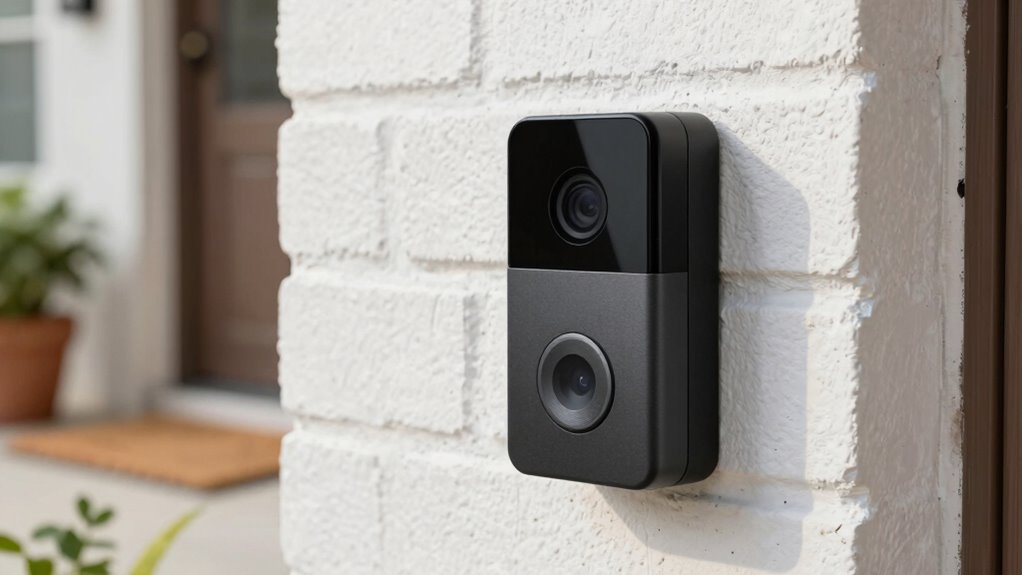
Video doorbells constantly capture video footage and audio from your front porch, which they then store and transmit to servers operated by manufacturers or third-party services. To protect your data, many doorbells use data encryption, ensuring that your information stays secure during transmission and storage. However, some companies may share your footage with third parties, such as marketing firms or law enforcement, depending on their policies. This sharing can happen even without your direct consent, raising privacy concerns. Understanding how your doorbell collects and uses data helps you stay informed about potential privacy risks. Keeping an eye on encryption practices and third-party sharing policies allows you to make better decisions about your device’s security and your personal privacy. Additionally, utilizing accessibility features for kids can help ensure that their interactions with the device remain secure and protected. Implementing smarter off-grid setups can also enhance your overall privacy by limiting the data transmitted to external servers. Furthermore, understanding data encryption methods can empower you to choose devices that prioritize your privacy. It is crucial to review manufacturer policies as these can significantly impact how your data is handled, including their use of advertisement cookies that may track your online behavior.
wireless video doorbell with motion zones
As an affiliate, we earn on qualifying purchases.
As an affiliate, we earn on qualifying purchases.
Simple Ways to Adjust Privacy Settings on Your Doorbell
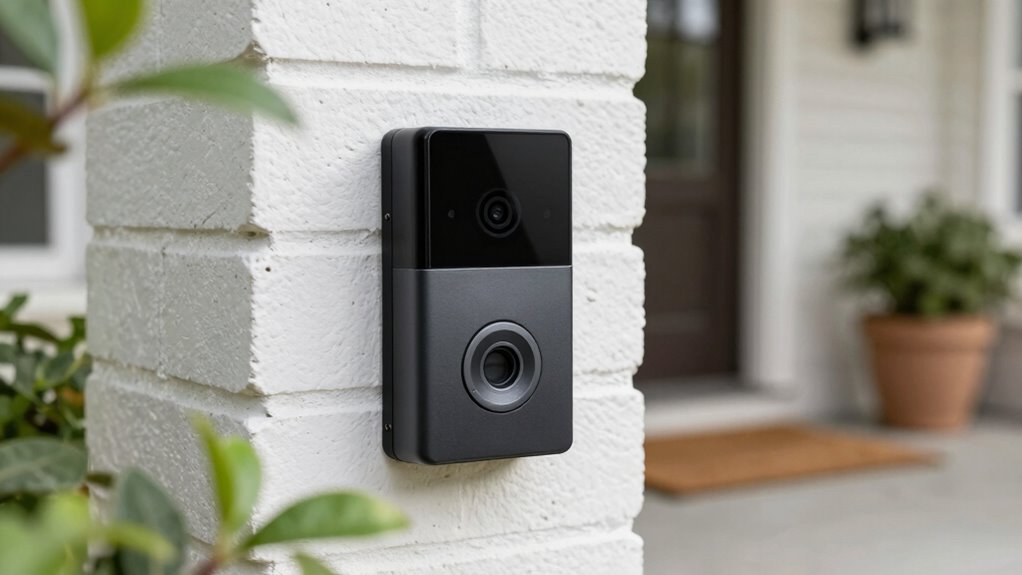
You can protect your privacy by managing camera access permissions to control who views your footage. Adjust motion detection settings to limit when your doorbell records, and set a video retention period to delete old videos automatically. These simple steps help you maintain control over your doorbell’s data and safeguard your privacy. Additionally, fostering positive mental health in children can enhance their ability to navigate technology responsibly, which is crucial for achieving work-life harmony. Incorporating herbal baths into your routine can also promote relaxation and well-being, making it easier to manage stress effectively. Consider using a bike generator to power your devices sustainably, reducing reliance on external energy sources. Exploring must-see destinations can also help you find relaxation and joy during your travels.
Manage Camera Access Permissions
Adjusting camera access permissions is a crucial step in safeguarding your privacy with a doorbell camera. You want to control who can see the footage and manage access control effectively. Start by reviewing the user permissions in your camera’s app or settings. Remove or limit access for anyone who no longer needs it, such as family members or service providers. Set distinct permissions so that only trusted users can view live feeds or recordings. Regularly updating these permissions reduces the risk of unauthorized access. Additionally, consider disabling access for devices or users that you don’t recognize. By managing camera access permissions carefully, you guarantee that only intended people can access your doorbell’s footage, strengthening your overall privacy and data security. Furthermore, to create a secure environment, consider incorporating outdoor ovens for versatile cooking options that can enhance gatherings at home. Additionally, be aware of the potential impact of cookie usage on your data privacy and consider how it relates to your doorbell’s settings. To enhance your protection, consider using remote car covers to shield your vehicle from potential threats while you’re away. Additionally, understanding color accuracy in your home security devices can help ensure that you capture clear and detailed images, which is essential for effective monitoring. Additionally, being mindful of dream symbolism can provide insights into your subconscious concerns about privacy and security in your home.
Enable Motion Detection Settings
Enable Motion Detection Settings (Simple Ways to Adjust Privacy Settings on Your Doorbell)
Enabling motion detection settings is a straightforward way to enhance your doorbell’s privacy controls. By adjusting these settings, you can limit when your device records, reducing unnecessary data collection. This also allows you to better manage third party integrations, ensuring only trusted apps access your footage. To strengthen privacy encryption, enable motion detection alerts only during specific times or zones, minimizing exposure. Additionally, incorporating smart home safety practices can further enhance your overall security. Understanding media literacy is essential for recognizing how data is collected and used online. It’s important to remember that data management strategies can significantly influence your privacy outcomes. Furthermore, exploring new frontiers in digital content can reveal innovative ways to enhance your privacy measures. Use the table below to understand key options:
| Setting | Benefit |
|---|---|
| Custom Zones | Focus on areas you care about, reducing false alerts |
| Schedule Activation | Limit recordings to certain times, protecting privacy |
| Sensitivity Levels | Fine-tune detection to avoid capturing irrelevant motion |
These adjustments help you control data flow, balancing security with privacy.
Adjust Video Retention Period
—
Controlling how long your doorbell stores video footage is an essential step in protecting your privacy. By adjusting the video retention period, you limit the data stored, reducing potential exposure. Many doorbells allow you to set a specific timeframe, after which videos are automatically deleted, helping with data anonymization. To enhance privacy, guarantee videos are encrypted during storage and transmission, preventing unauthorized access. Regularly reviewing your retention settings keeps your data management current. Additionally, understanding data management principles can empower you to make informed choices about your video storage. Effective financial planning strategies can also help you allocate funds for privacy-enhancing technology.
Consider these tips:
- Set a shorter retention period to minimize stored footage
- Enable video encryption to secure your videos
- Regularly delete unnecessary clips manually
- Use privacy-focused cloud storage options
- Review data policies for third-party access
Additionally, investing in workspace tech gear that prioritizes privacy can further enhance your overall security.
—
Let me know if you need any further adjustments!
video doorbell with encryption
As an affiliate, we earn on qualifying purchases.
As an affiliate, we earn on qualifying purchases.
What to Look for in Privacy Policies Before Installing
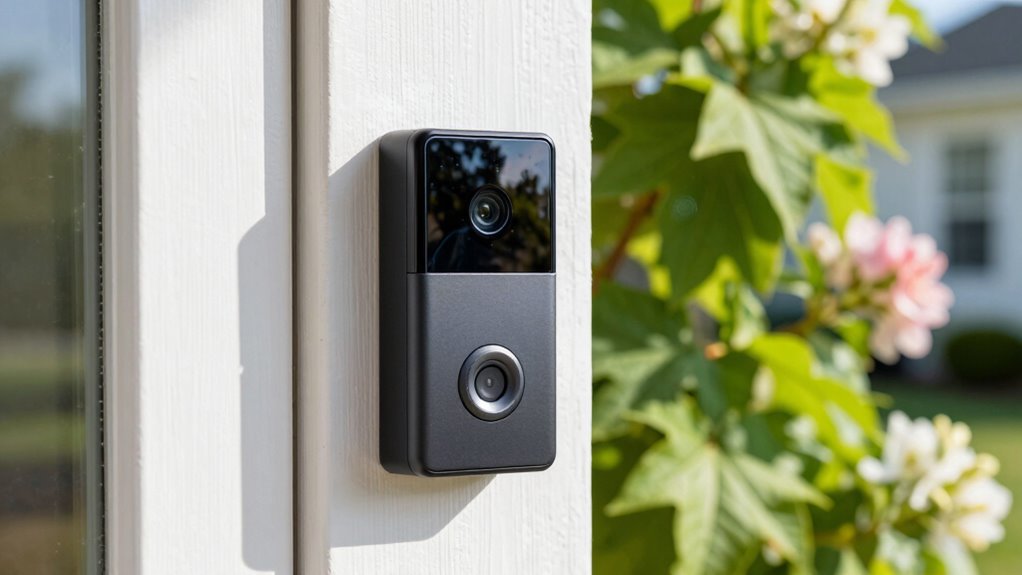
Before installing a video doorbell, reviewing its privacy policy thoroughly is essential to understand how your data will be handled. Look for clear explanations about third-party integrations, including who has access to your footage and how they use it. Confirm the policy emphasizes strong data encryption methods, which protect your videos from unauthorized access during transmission and storage. Check if the company discloses how long they retain your data and whether they share it with advertisers or other third parties. Transparency is key—trustworthy policies should specify your rights to access, delete, or control your data. Avoid products with vague or overly complex policies that don’t specify data handling practices. A clear, detailed privacy policy helps you make an informed decision about your privacy. Additionally, ensure the policy discusses user consent options regarding data collection and usage. Understanding essential gear for every prepper can also help you evaluate the importance of personal privacy in your life decisions.
video doorbell data retention
As an affiliate, we earn on qualifying purchases.
As an affiliate, we earn on qualifying purchases.
Tips to Limit Unwanted Video Capture
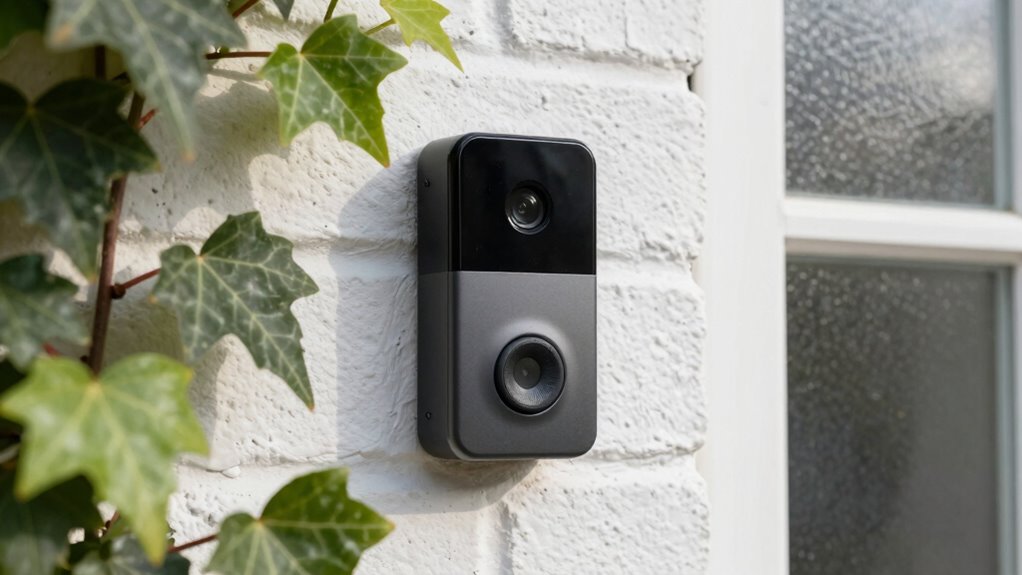
To reduce unwanted video capture, start by adjusting your doorbell’s motion detection settings. Fine-tuning these guarantees you only record what matters, reducing privacy concerns. You can also enable video encryption to protect captured footage from unauthorized access. Always seek user consent if your device shares data with others, respecting privacy rights.
Consider these tips:
- Limit motion zones to focus on specific areas
- Schedule recording times to avoid unnecessary footage
- Disable continuous recording features
- Regularly review and delete old footage
- Use encryption options to secure your videos
Controlling Notifications and Data Sharing
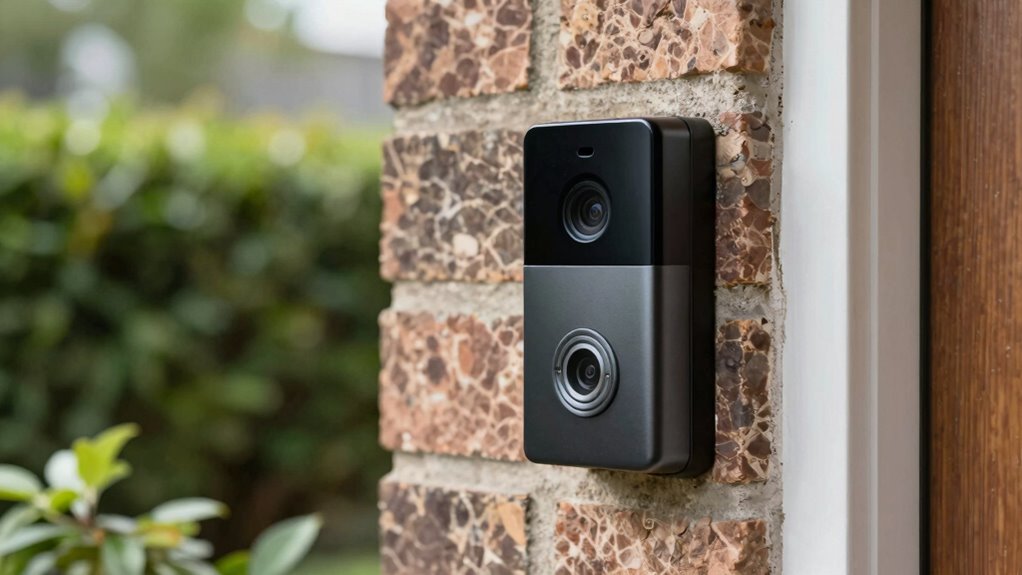
Adjusting your notification settings and managing data sharing options can considerably enhance your privacy. Start by reviewing which alerts you receive and disable unnecessary ones to prevent overexposure of sensitive information. Confirm that data sharing is limited to trusted devices and contacts, and always seek user consent before allowing access or sharing of footage. Many doorbell systems offer customizable privacy controls, so take advantage of these features. Additionally, verify that your device uses data encryption to protect your video streams and personal data from interception or unauthorized access. By controlling notifications and data sharing, you reduce the risk of exposing private moments and guarantee your data remains secure. Staying proactive in managing these settings keeps your privacy intact and minimizes data collection beyond your intentions.
Regularly Review and Update Your Privacy Measures
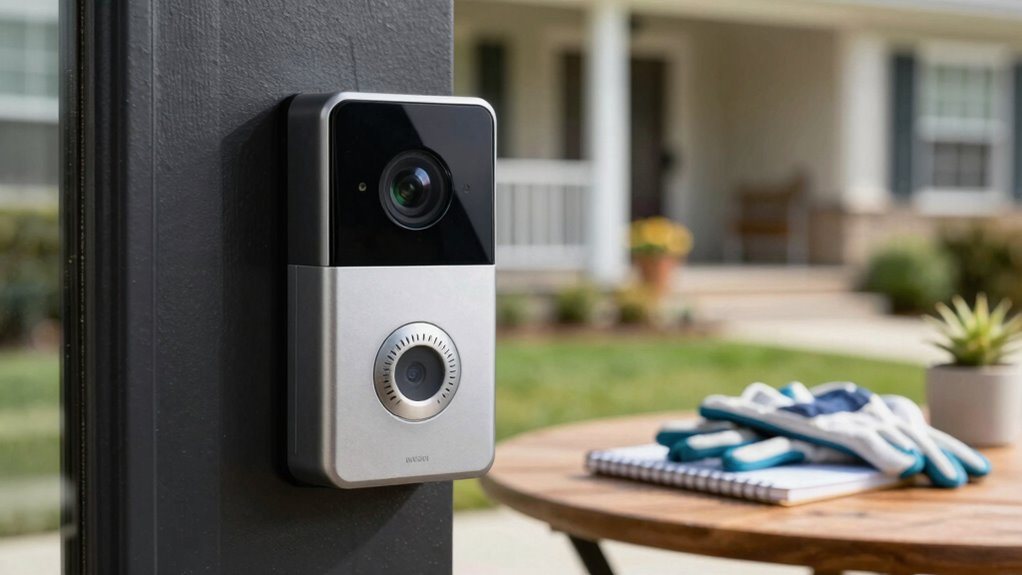
Regularly reviewing and updating your privacy measures is essential to stay ahead of potential vulnerabilities. Technology evolves, and so do threats, so keeping your privacy settings current helps protect your data. Confirm your video doorbell uses strong data encryption to safeguard footage and personal info. Verify that you have clear user consent protocols in place, especially if others can access the device. Regularly check for firmware updates that enhance security features. Reassess who has access to your video feeds and adjust permissions as needed. Finally, revisit your privacy policies to ensure they reflect current practices and legal requirements. By staying proactive, you reduce the risk of exposing sensitive data and maintain control over your privacy.
Frequently Asked Questions
Can I Completely Disable Video Recording on My Doorbell?
Yes, you can fully disable video recording on your doorbell through its privacy settings. Most smart doorbells allow you to turn off recording features, ensuring no footage is captured or stored. To protect your privacy, enable data encryption options, which keep any remaining data secure. Regularly review your privacy settings to make sure recording stays disabled, giving you control over what data your doorbell collects and retains.
How Secure Is the Data Stored by Video Doorbell Companies?
The data stored by video doorbell companies varies in security, but many use strong encryption protocols to protect your footage during transmission and storage. They also often implement data anonymization techniques, which hide or remove identifiable information. However, you should review each company’s privacy policies and security measures to guarantee your data is well-protected. Opting for brands with transparent security practices can give you peace of mind.
Are There Privacy Concerns When Sharing Footage With Neighbors or Authorities?
Sharing footage with neighbors or authorities can raise privacy concerns, especially since 78% of people worry about neighbor privacy breaches. When you share footage, you risk exposing sensitive data or unintentionally capturing others’ private moments. Always verify what’s recorded, get consent if necessary, and consider encrypting or anonymizing footage. This way, you respect neighbor privacy and minimize sharing concerns, keeping everyone’s information safe.
Do All Smart Doorbells Collect the Same Amount of User Data?
Not all smart doorbells collect the same amount of user data. Some prioritize user privacy and have strict data collection policies, limiting what they gather and store. Others might collect more footage, audio, or location information. To protect your privacy, you should review each doorbell’s data collection policies carefully, choose devices with transparent privacy practices, and adjust settings to minimize unnecessary data collection. Always stay informed about how your data is being used.
How Long Do Companies Typically Store Video Footage?
Time flies when you’re not paying attention, especially with data retention policies. Companies typically store video footage anywhere from 30 days to several months, depending on their policies. They usually require your user consent to keep data longer or delete it sooner. Always check the privacy settings and terms of service for your smart doorbell, so you know how long your footage is stored and can manage it accordingly.
Conclusion
By taking control of your video doorbell’s privacy settings and understanding its data policies, you protect your personal space. For example, imagine restricting camera angles to only capture your doorstep—reducing unnecessary footage of neighbors or public areas. Regularly reviewing and updating your privacy measures guarantees you stay ahead of potential breaches. Ultimately, proactive privacy management empowers you to enjoy the convenience of smart technology without compromising your security or peace of mind.